
Caller context
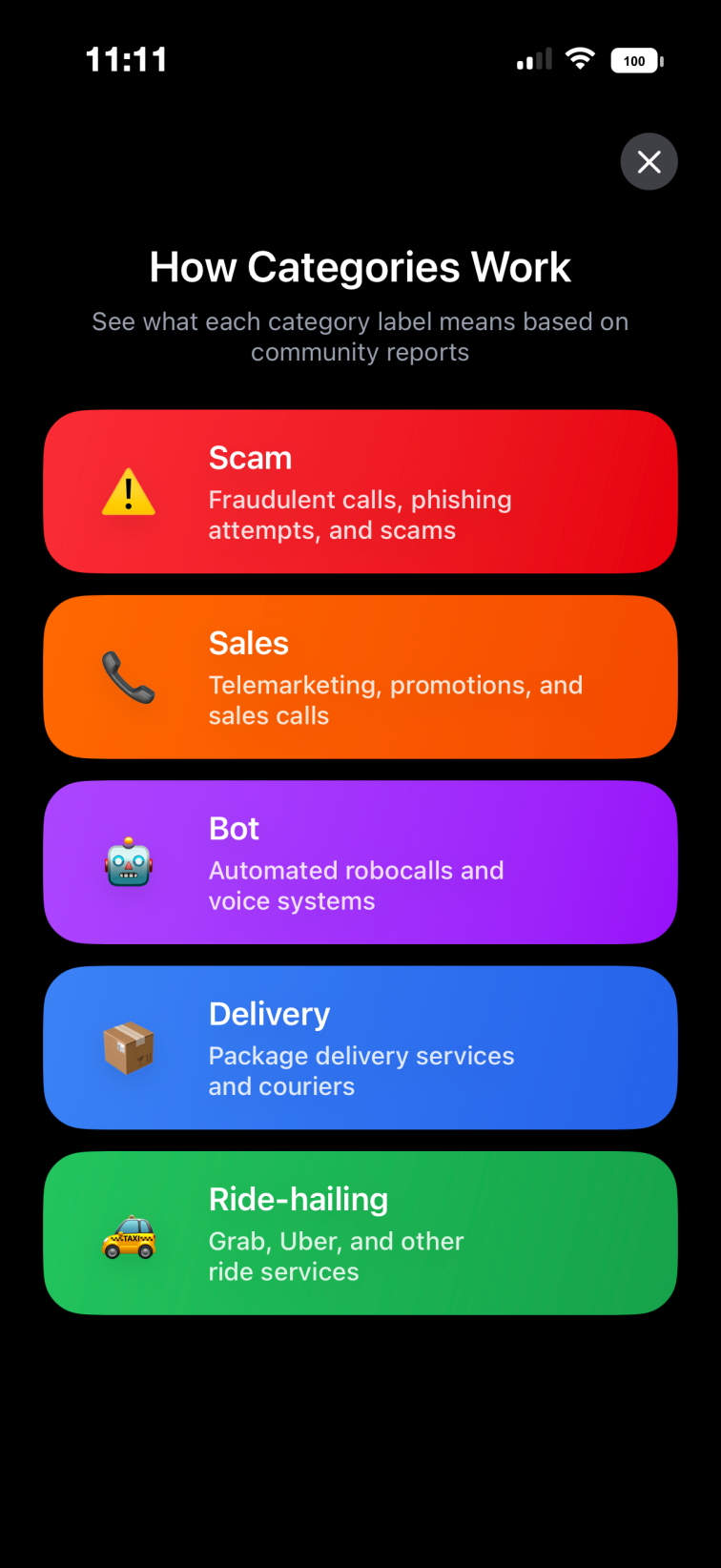
Scam, sales or a delivery you’re expecting? Community labels describe reported caller behaviour. They are context, not a guarantee that a call is safe.
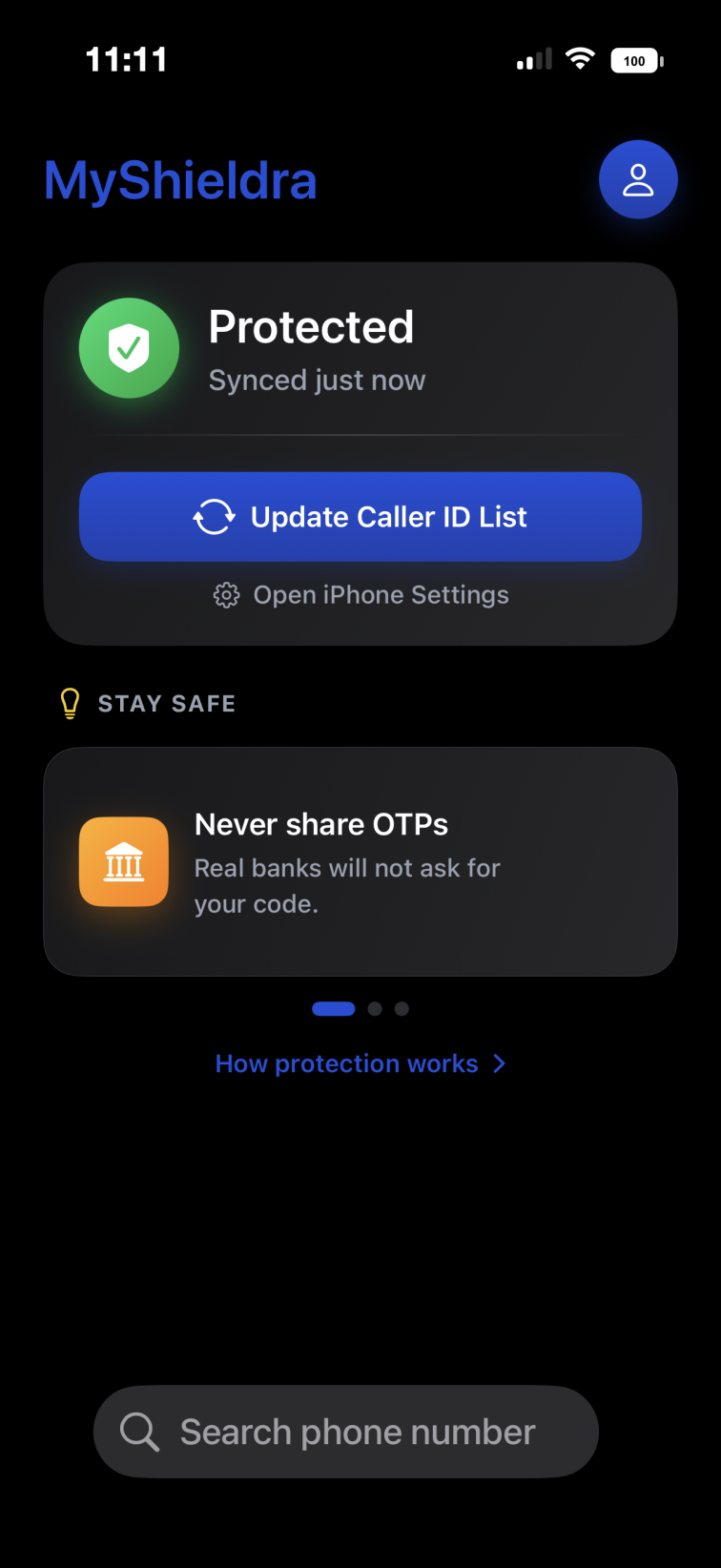
Community caller labels, without uploading your contacts or call log. Free for iPhone in Malaysia and Singapore.
More context for deciding which calls to answer.
Scam, sales or a delivery you’re expecting? Community labels describe reported caller behaviour. They are context, not a guarantee that a call is safe.
On supported iPhones, live caller ID uses encrypted queries so our lookup service can return a label without seeing the incoming number.
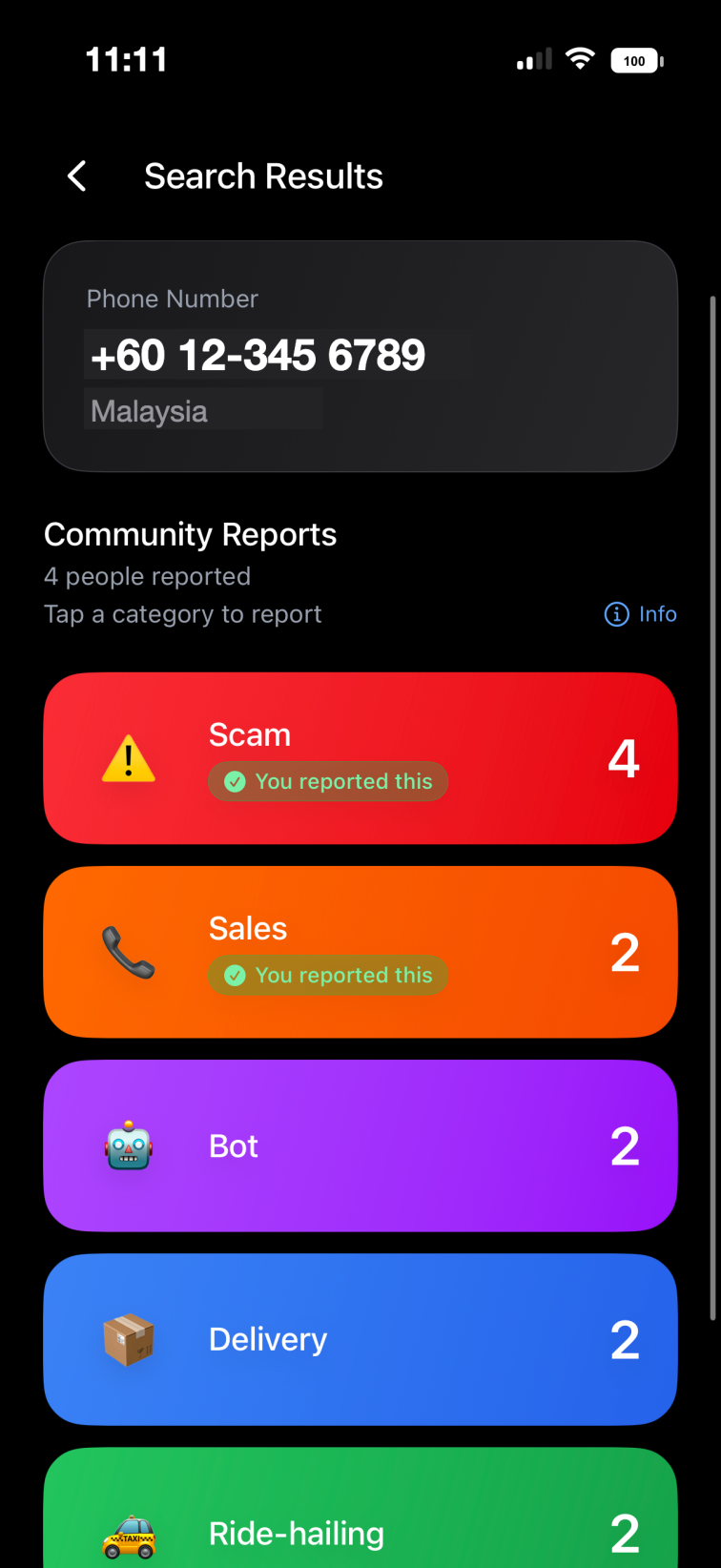
Share a caller category and see what others have reported. Manual searches and submitted reports send the number to our service.
Understand each category and see how many reports a number has received.
On supported iPhones, Apple’s Live Caller ID Lookup protects the incoming number with Private Information Retrieval. Oblivious HTTP hides your IP address from our lookup service, and Privacy Pass provides anonymous authentication.
Private live caller ID requires supported iOS settings, a connection and service availability. Manual in-app searches and reports send a phone number to our service.
Read our Privacy PolicyAvailability, caller labels and getting set up.
Yes. Search a number in the app to see available community labels and report counts. Manual searches send the number to our service; they are separate from private live caller ID.
Private live lookup depends on iOS support, enabled caller ID settings, a network connection and service availability. Open the app to check your setup, or visit Support for help.
Get help setting up caller IDNo. MyShieldra shows reported caller behaviour and call type, not a person’s private identity. Community labels are not independently verified.
You can report categories such as scam, bot, sales, delivery and ride hailing. Report what happened without adding personal or sensitive information about others.
You can enable MyShieldra alongside other supported caller ID apps in your iPhone settings. Which labels appear depends on your enabled apps and iOS settings.
Compare caller ID options for iPhoneYes. MyShieldra is free to download and use.
MyShieldra is available on the App Store in Malaysia and Singapore. You can search and report valid phone numbers from other countries.
MyShieldra is currently available for iPhone. An Android release date has not been announced.